Physical Address
304 North Cardinal St.
Dorchester Center, MA 02124
Physical Address
304 North Cardinal St.
Dorchester Center, MA 02124

As an experienced SEO strategist and content writer, I’ve seen countless Shopify stores launch with big dreams. But here’s a common pitfall: many merchants underestimate the power of the right apps. Your Shopify store is like a high-performance vehicle; it comes with a great engine, but without the right add-ons, it won’t win the race.
Navigating the vast ocean of apps in the Shopify App Store can feel overwhelming. With thousands of options promising to boost sales, streamline operations, and enhance customer experience, how do you know which apps should every Shopify store install?
Let’s dive into the must-have apps that will help your Shopify store not just survive, but truly succeed.
Before we look at specific apps, let’s understand why these digital helpers are non-negotiable for modern e-commerce. Today’s online shoppers expect more than just a product; they demand a smooth, personalized, and engaging shopping journey. In fact, research shows that 90% of customers consider a company’s experience as important as its products or services.
Shopify apps act as force multipliers for your business, allowing you to:
Investing in the right apps isn’t a luxury; it’s a necessity for creating a well-oiled selling machine that keeps customers coming back.
After careful consideration and drawing from my experience with various e-commerce businesses, these are the apps that consistently deliver value and address critical aspects of running a successful Shopify store.
Your store’s appearance and user experience are paramount. Shopify’s default themes are good, but to truly stand out and convert visitors into buyers, you often need more control over your page layouts.
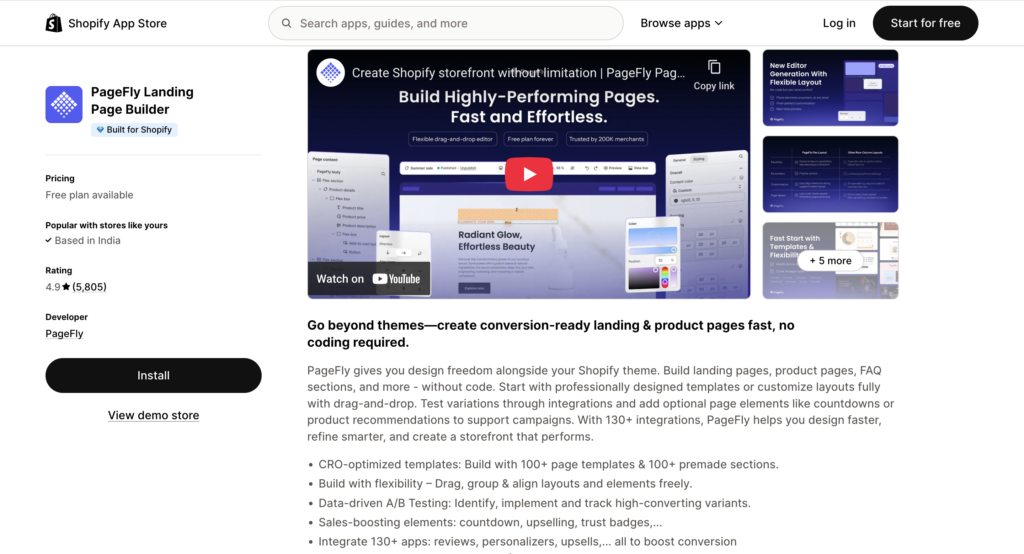
Why it’s essential: A well-designed product page or landing page can significantly impact conversion rates. PageFly offers a powerful drag-and-drop editor that allows you to create custom pages without any coding knowledge. From captivating product pages to high-converting sales funnels, it gives you the flexibility to design exactly what you envision.
Key Features:
Online reviews are the new word-of-mouth. Shoppers trust their peers more than brand advertising. A staggering 93% of consumers say online reviews influence their purchase decisions.
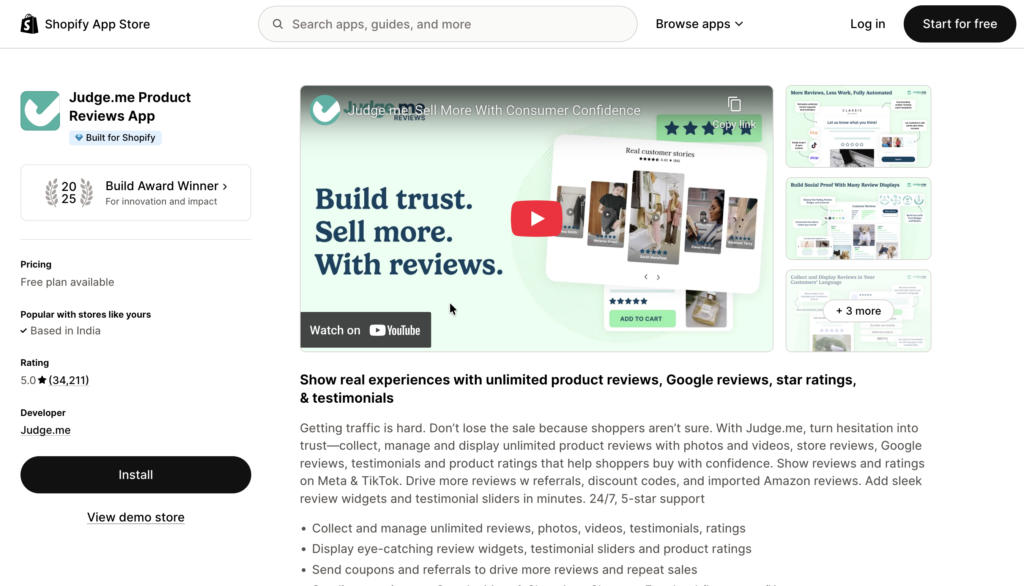
Why it’s essential: Judge.me helps you effortlessly collect and display authentic customer reviews, photos, and videos. This social proof builds credibility, reduces buyer hesitation, and can significantly boost your sales. The app automates review request emails, making the process seamless for both you and your customers.
Key Features:
Email and SMS marketing remain some of the most powerful and cost-effective channels for driving sales and nurturing customer relationships.
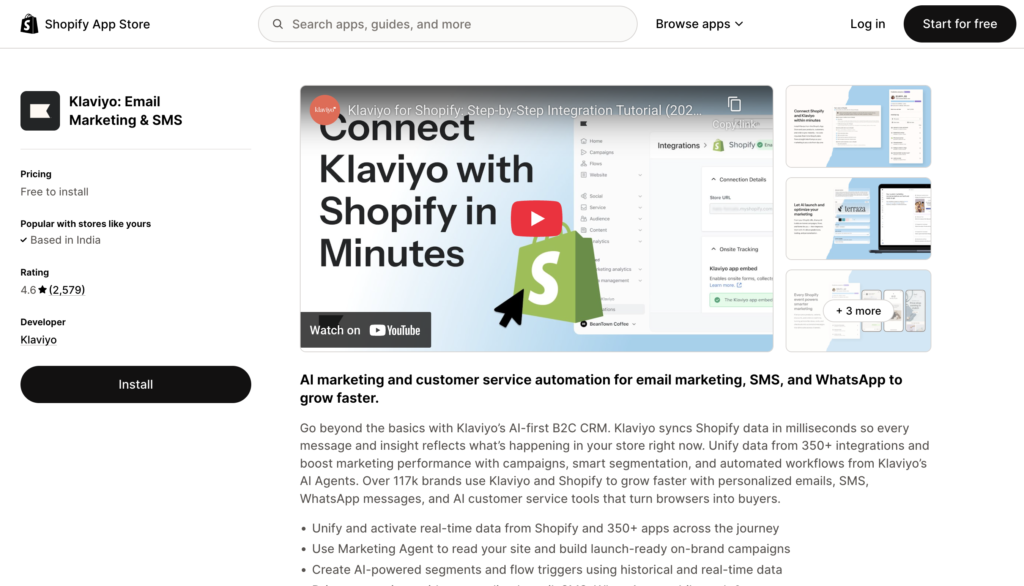
Why it’s essential: Klaviyo is a marketing powerhouse that helps you create highly personalized email and SMS campaigns. It goes beyond basic newsletters, allowing you to segment your audience based on their behavior (e.g., browsing history, purchase frequency) and automate flows like welcome series, abandoned cart reminders, and post-purchase follow-ups. Given that e-commerce stores have an average cart abandonment rate of 70.19%, a robust abandoned cart automation is crucial.
Key Features:
Getting a customer to make a purchase is great, but getting them to buy more is even better. Upselling and cross-selling are proven strategies to increase your average order value (AOV) without incurring additional acquisition costs.
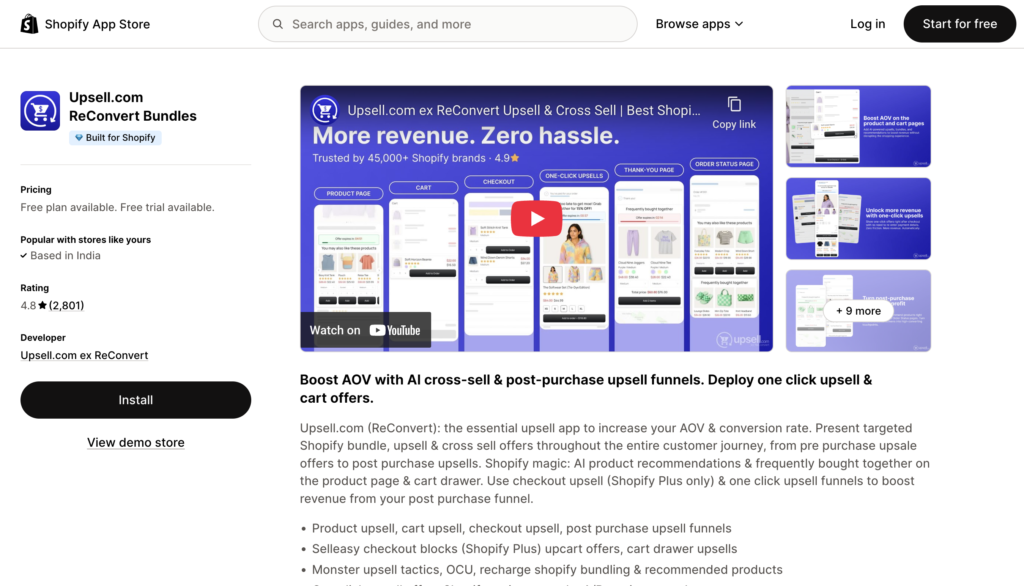
Why it’s essential: Upsell.com (ReConvert) helps you optimize your post-purchase experience by adding upsell and cross-sell offers directly to your thank-you page. This is a prime moment when customers are feeling positive about their purchase and are more open to adding complementary items or upgrades. It’s a “set it and forget it” solution that can significantly grow your revenue.
Key Features:
Running out of stock doesn’t have to mean losing customers. Preorders and back in stock alerts help you secure sales early and bring shoppers back the moment products are available.
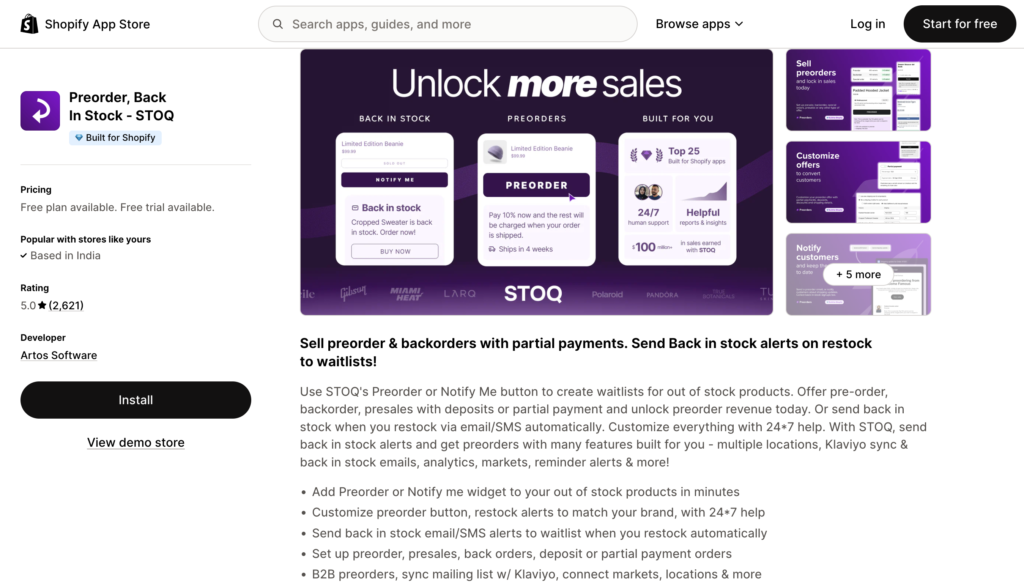
Why it’s essential: STOQ lets you create waitlists with Preorder or Notify Me buttons, sell preorders and backorders with deposits or partial payments, and automatically send back in stock alerts via email or SMS. With powerful integrations, analytics, and full customization backed by 24/7 support, it helps you capture demand and revenue effortlessly.
Key Features:
Happy customers are repeat customers, and repeat customers form the backbone of a sustainable business. Building loyalty programs fosters a strong connection with your audience.
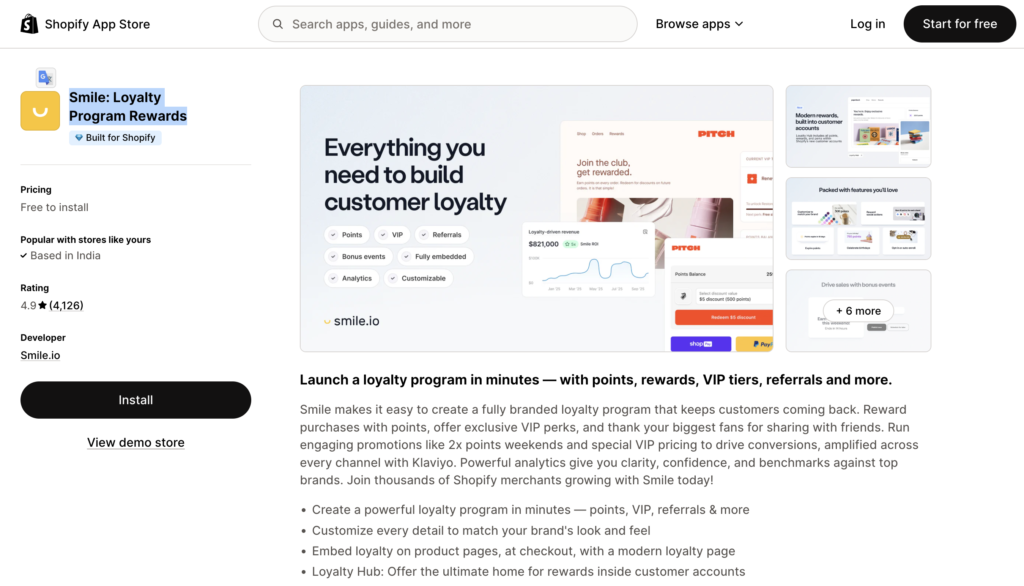
Why it’s essential: Smile makes it easy to create custom loyalty, referral, and VIP programs for your store. It incentivizes purchases, social shares, and referrals, turning satisfied customers into powerful brand advocates. This proactive approach to retention is far more cost-effective than constantly acquiring new customers.
Key Features:
Social media isn’t just for engagement; it’s a powerful sales channel. Showcasing your brand’s lifestyle and products directly from platforms like Instagram can significantly drive traffic and conversions.
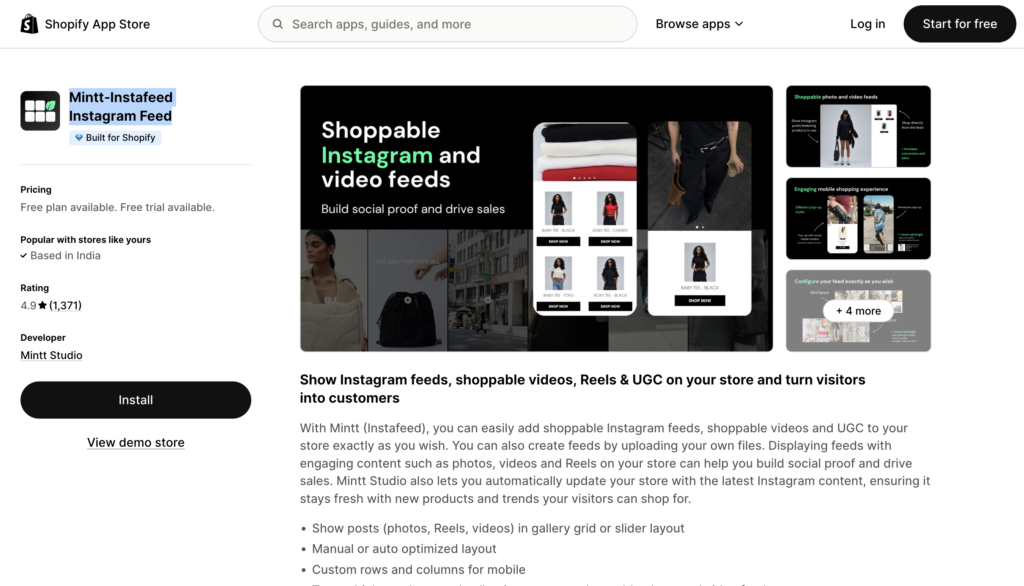
Why it’s essential: Mintt‑Instafeed Instagram Feed allows you to seamlessly integrate your Instagram feed directly into your Shopify store. This creates a visually appealing and dynamic display of user-generated content and brand imagery, turning your social presence into a shoppable experience. It’s a lightweight app that won’t slow down your site, ensuring a smooth user experience.
Key Features:
While these apps are highly recommended, remember that every store is unique. Here’s a quick guide to making the best choices for your business:
There’s no magic number, but quality over quantity is key. A good rule of thumb is to only install apps that solve a specific problem or add clear value. Too many apps, especially poorly coded ones, can slow down your store, create conflicts, and complicate management. Aim for essential tools that work well together.
Many free Shopify apps offer excellent core functionality, especially for new stores or those on a tight budget. Shopify itself offers several useful free apps. However, paid apps often provide more advanced features, better customization, dedicated support, and higher limits that can be crucial for scaling businesses. It’s best to start with free plans and upgrade as your needs grow.
Before installing, check app reviews for mentions of performance issues. After installation, monitor your store’s speed using tools like Google PageSpeed Insights or Shopify’s own analytics. If you notice a significant drop in speed, investigate which app might be the culprit. Choosing “Built for Shopify” apps can also help, as these meet Shopify’s highest standards for performance and integration.
For a new store, focus on apps that help with:
Store Management: Simple shipping tools and order organization. These categories lay a strong foundation for growth.
Conversion Optimization: Apps for product reviews, pop-ups, and email collection.
Marketing: Basic email marketing and social media integration.
Yes, you can remove apps at any time from your Shopify admin panel. Navigate to “Apps” and uninstall the app. It’s good practice to delete any leftover code or data that the app might have left behind, though many reputable apps handle this cleanly upon uninstallation. Always make a backup of your theme before installing or uninstalling apps that make significant code changes.